← Back to Projects

Programming Project

Tiny Museum Defense

A Unity mobile tower defense project focused on clean tower UI and touch-friendly upgrade interactions.

Role: Gameplay and UI Programmer

Tools: Unity 6, C#

Duration: 2 weeks

Tiny Museum Defense image

Overview

Project Description

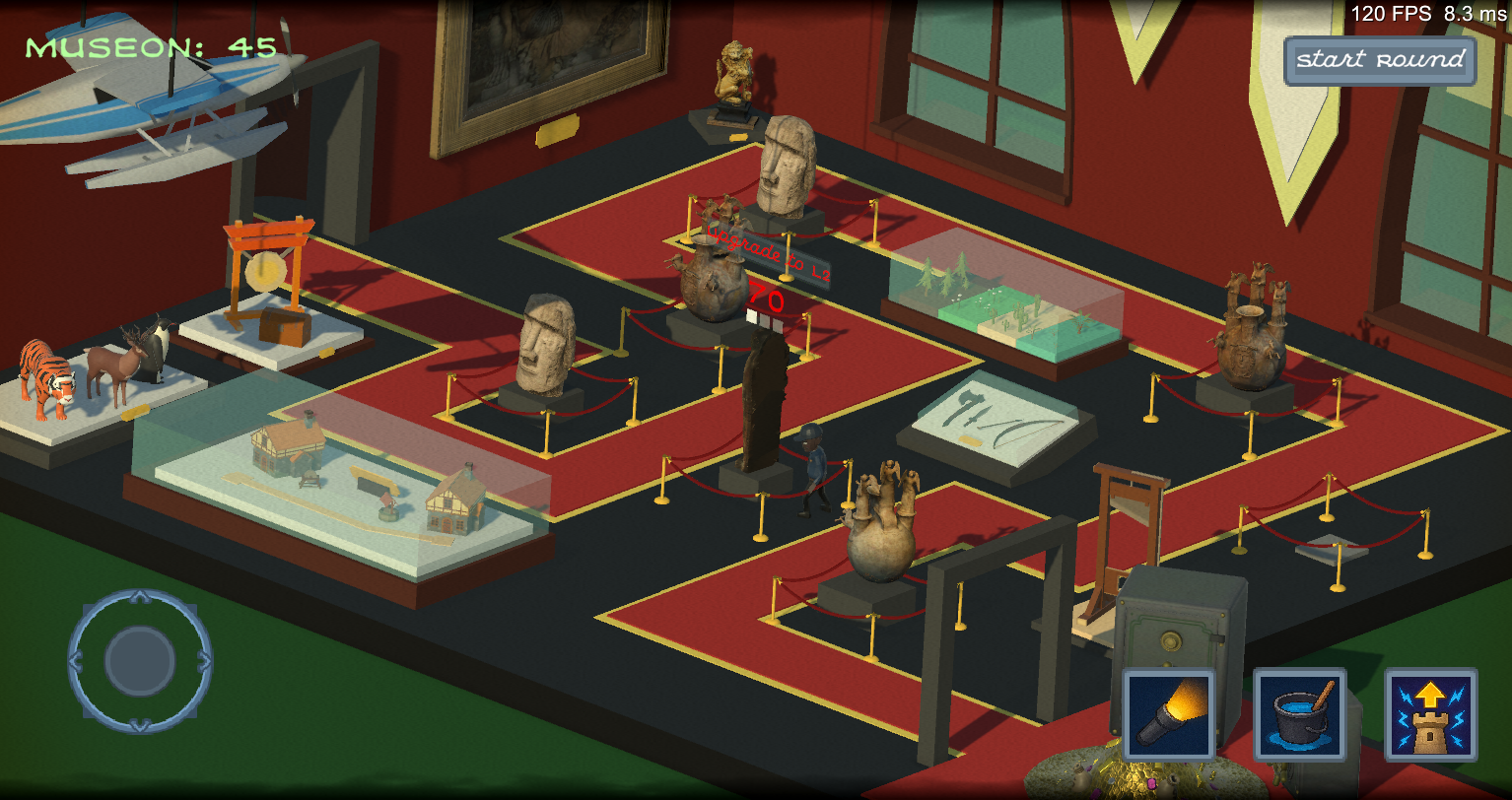
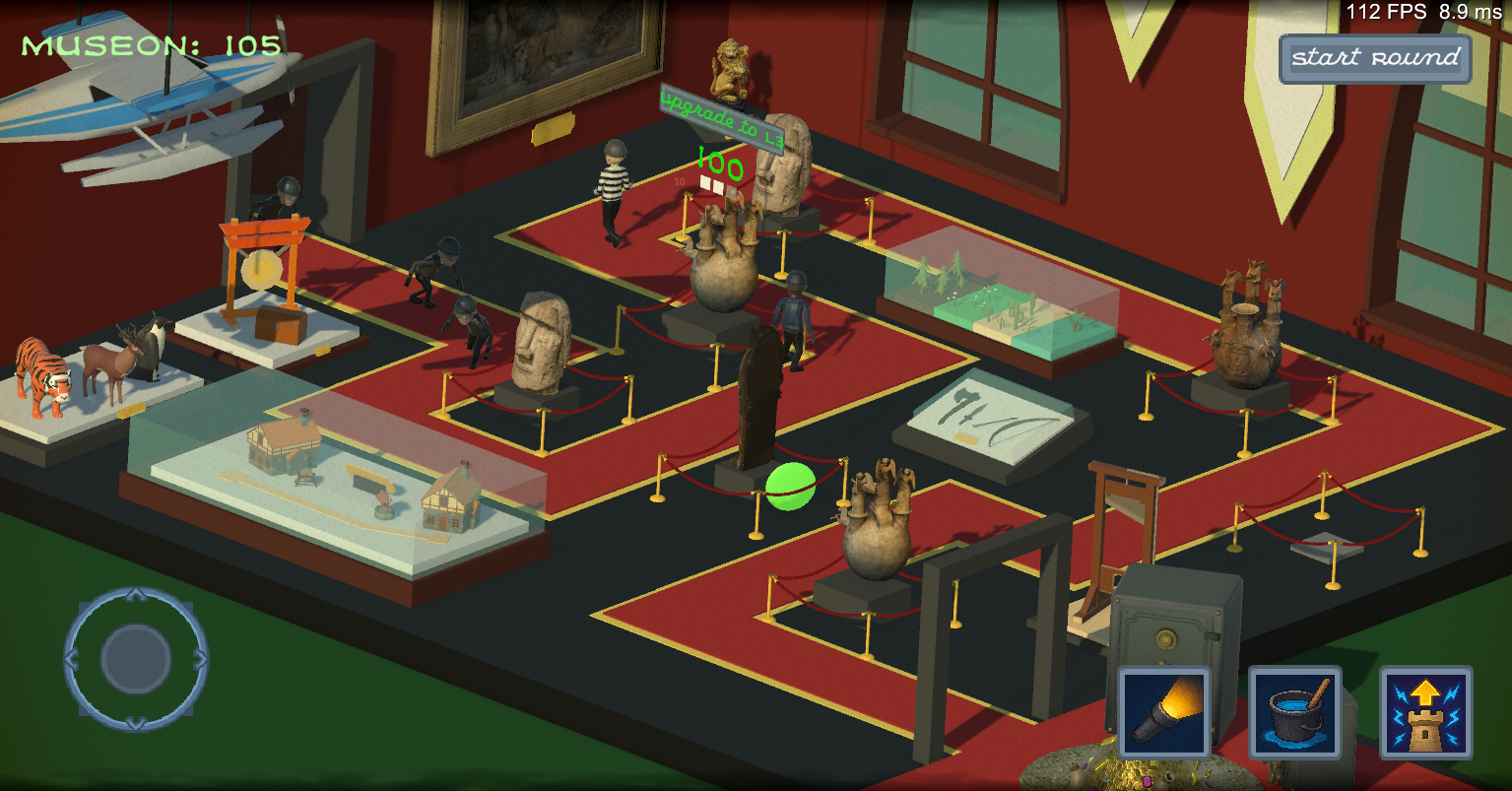
On Tiny Museum Defense, I worked on gameplay and UI programming for a small mobile team project. The main goal was making tower information and upgrades readable and comfortable on touch devices. This game was made in two weeks for Rapid Prototype Production Round 5, where the theme was mobile game.
Technical Block

Technical Focus

  • Custom UI for tower defense levels and costs
  • Touch gesture interaction system for tower upgrades
  • Mobile-friendly layout decisions for quick reading and interaction
  • Short team production cycle with focused gameplay/UI responsibilities

Picture Block

Screenshot

Tiny Museum Defense image

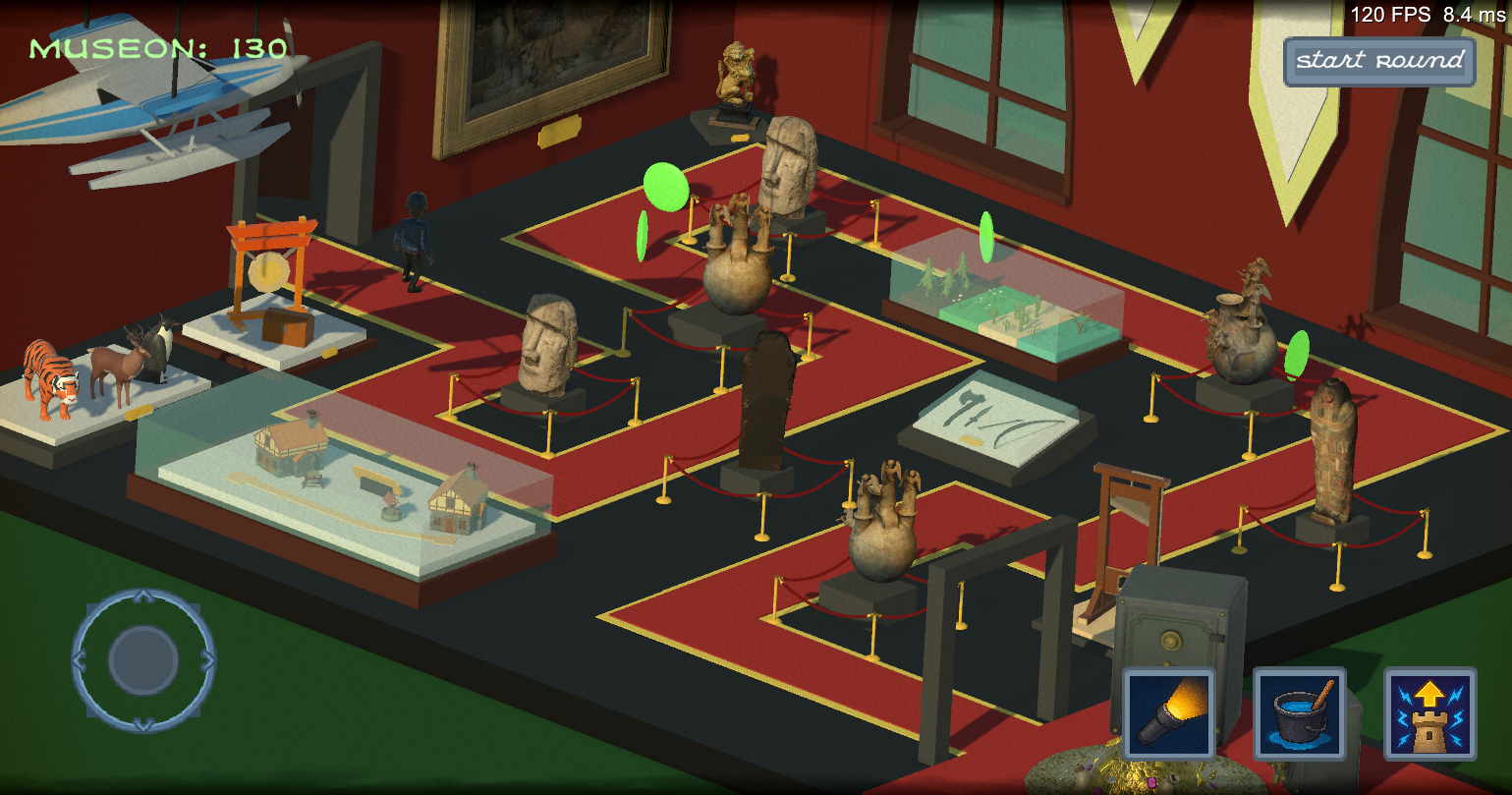
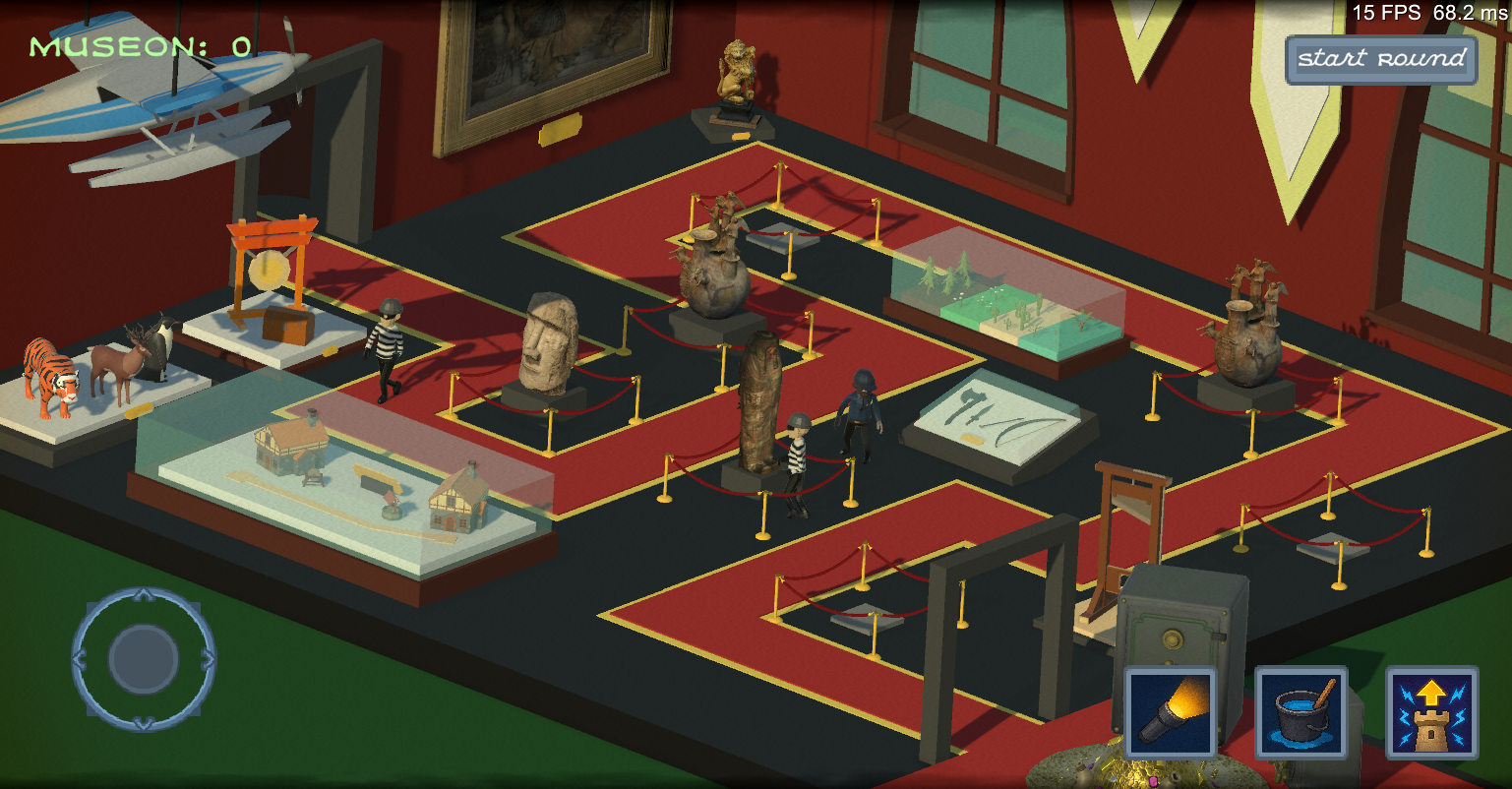
This image depicts gameplay in the early stages of the game in which the player has to stop the criminals from getting to the end to win.

Snippet Block

Upgrade Code Snippet


    // Normal Upgrade State
    int nextLevel = tower.CurrentLevel + 1;
    int cost = tower.data.GetCost(nextLevel);

    bool canAfford = true;
    if (CurrencyManager.Instance != null)
        canAfford = CurrencyManager.Instance.CanAfford(cost);

    Color c = canAfford ? canAffordColor : cannotAffordColor;

    // World text
    if (costTextTMP != null)
    {
        costTextTMP.text = cost.ToString();
        costTextTMP.color = c;
    }

Snippet Block

Button Code Snippet


    // Button text
    if (upgradeButtonTextTMP != null)
    {
        upgradeButtonTextTMP.text = $"Upgrade to L{nextLevel}";
        upgradeButtonTextTMP.color = c;
    }

    if (upgradeButton != null)
    {
        upgradeButton.gameObject.SetActive(true);
        upgradeButton.interactable = canAfford;
    }

Gallery

Images