← Back to Projects

Programming Project

Monkey Chef

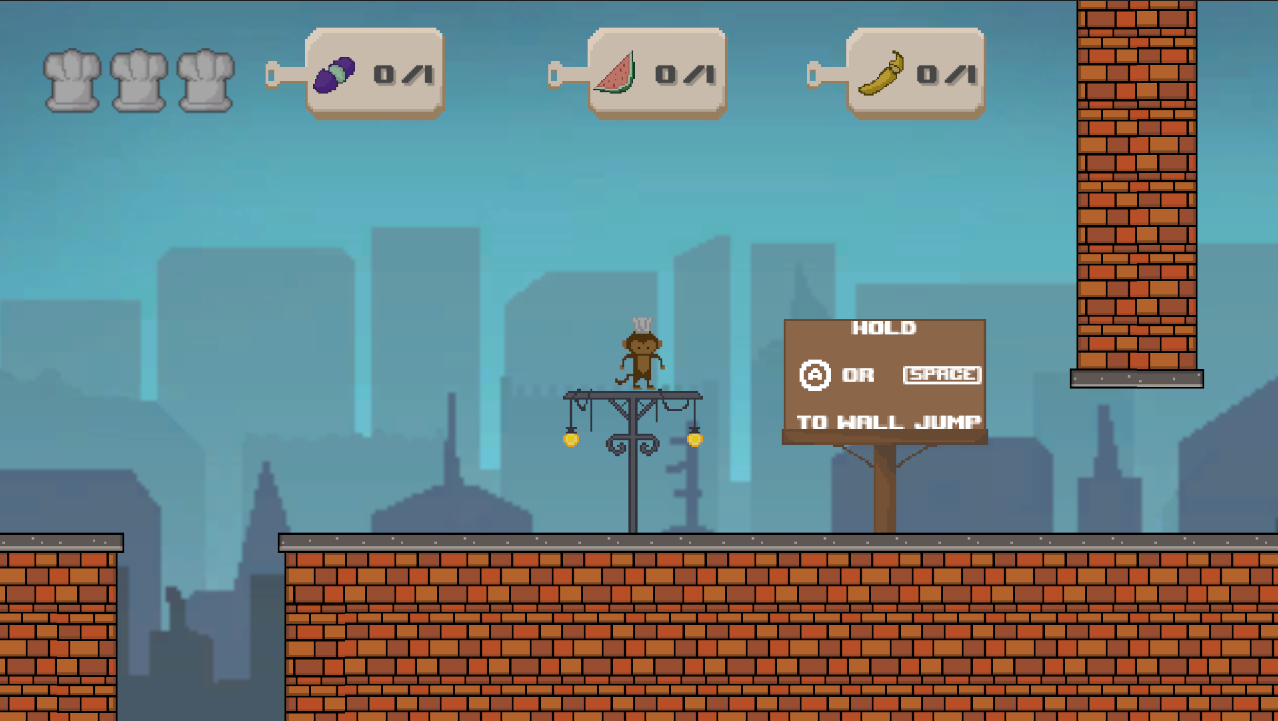
Defeat aliens and collect ingredients to save the family potluck, TV time, and Sundae Date Night.

Role: Gameplay Programmer

Tools: Unity 2022.3.37f1, C#

Duration: 4 weeks

Monkey Chef screenshot

Overview

Project Description

Use this page to explain player controls, enemy behavior, ingredient collection, win/loss conditions, and how you structured Unity scripts.

Replace this placeholder text with your final write-up, design goals, challenges, and what you learned.

Technical Block

Technical Focus

  • Unity C# gameplay scripts
  • Player movement and combat
  • Enemy behavior and encounters
  • Ingredient collection and objective tracking

Picture Block

Screenshot / Render

Monkey Chef screenshot

Use this block next to a technical or descriptive block when you want an image to explain the work visually.

Snippet Block

Code Snippet

// Example placeholder: replace this with a Unity gameplay script excerpt.
public class IngredientPickup : MonoBehaviour {
    private void OnTriggerEnter(Collider other) {
        // add ingredient to inventory
        // update objective UI
    }
}

Description Block

What This Block Explains

Use this space to explain what is happening in the snippet or image beside it. This can be a short technical breakdown, a before/after explanation, a lighting note, a gameplay-system explanation, or a plain-language summary of your process.

You can duplicate these blocks later to pair more snippets, screenshots, and explanations together.

Gallery

Gallery & Process Images